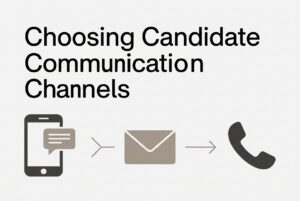
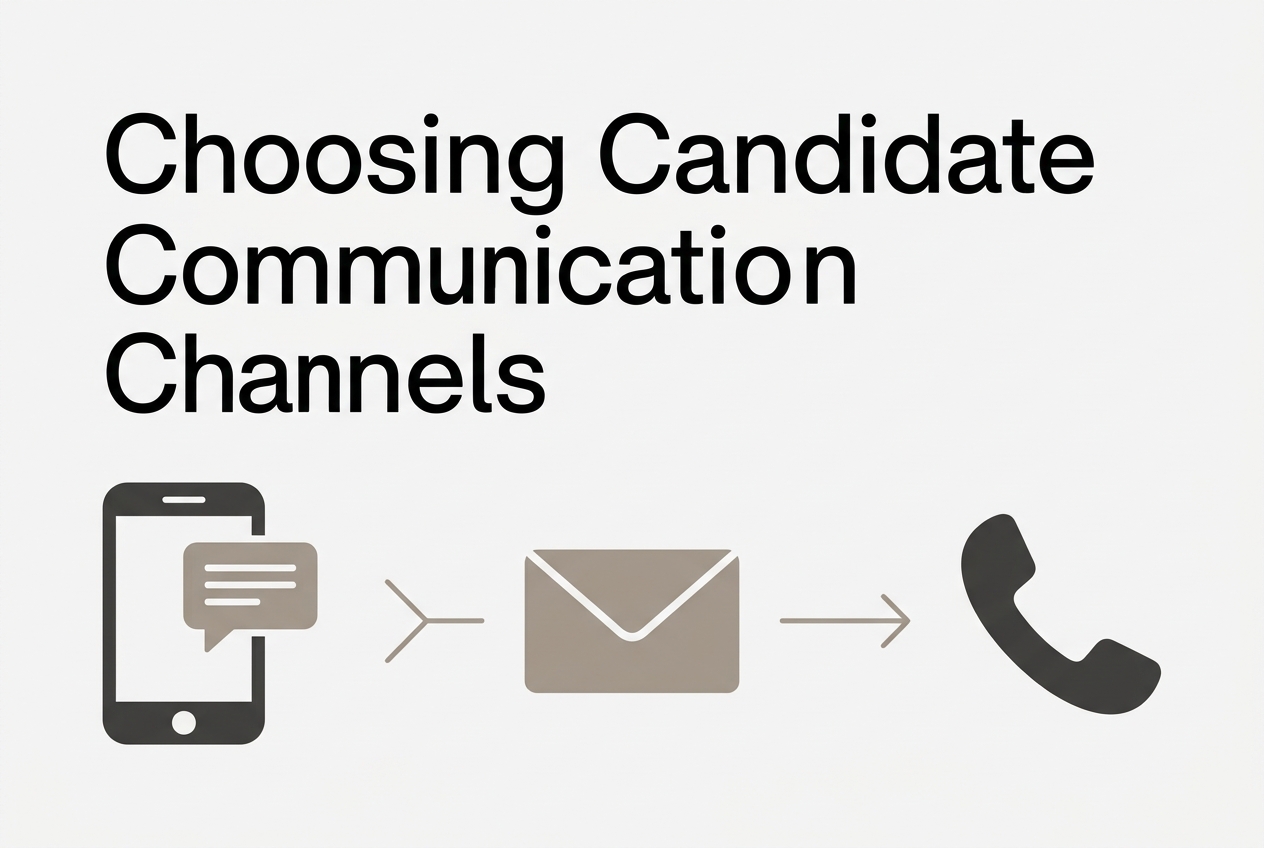
The short answer is simple: use texting for short, time-sensitive coordination, email for details and a durable record, and a scheduled phone call for nuance, sensitive decisions, or negotiation. In candidate communication, the best channel is usually the one the candidate expects, can access, and can actually respond to. That is why candidate engagement improves when teams match the message to the moment instead of forcing every update through one channel.
There is no universal winner here. Greenhouse’s 2024 research found that for application updates, US job seekers preferred email at 69%, phone at 51%, and text or SMS at 39%. That is preference data, not response-rate data, and its text category included iMessage and WhatsApp. So the real play is not “text instead of email.” It is choosing the right mix of channels based on purpose, urgency, and the need for a written record.
The fastest way to choose a channel
Use this rule: if the message is short and urgent, texting may fit. If it is detailed or needs a durable record, email is usually better. If the issue is nuanced or sensitive, schedule a call. However, candidate preference and accessibility should override the default.
| Channel | Best use | Main failure |
|---|---|---|
| Texting | Short coordination, confirmations, quick changes | Can feel intrusive, suspicious, or too thin for complex topics |
| Details, status updates, documents, follow-through | Can be buried, filtered, or ignored | |
| Phone | Nuance, discussion, negotiation | Unknown calls often go unanswered, and unscheduled calls interrupt |
A useful test is straightforward: can the candidate understand the request and act on it without a long explanation, private discussion, or several documents? If yes, texting may be enough. If not, email or a scheduled call is the better move. In practice, strong candidate communication usually combines channels instead of relying on one.
Which channel fits each hiring stage?
The right default changes as the process moves forward. Early outreach, scheduling, and closing do not need the same channel mix.
| Hiring stage | Recommended default | When to switch | Where the default fails |
|---|---|---|---|
| Initial outreach | Email with role context | Text if permission and expectations support it | Generic email can be ignored; cold text can look like a scam |
| Application received | Automated email acknowledgment | Offer channel preference during intake | A receipt does not show review or progress |
| Early status update | Email with a real next step | Use the candidate’s preferred channel | Vague updates create noise, not clarity |
| Availability check | Text or email | Call if the answer needs context | Too many short questions can feel like interrogation |
| Recruiter screening | Scheduled phone call | Provide an accessible alternative | Unexpected calls may be inconvenient or unsafe for privacy |
| Interview invitation | Email with booking details | Text if preferred or time-sensitive | A brief text alone can omit key logistics |
| Same-day delay or location change | Text plus written update | Call if the issue is disruptive | Assuming email will be seen in time |
| Offer discussion | Scheduled call | Follow with written confirmation | Complex terms should not be handled in fragments |
| Rejection | Email for straightforward closure | Offer a call after substantial interaction | Do not force a call just to deliver the decision |
This is where candidate communication becomes operational, not just polite. The goal is to reduce missed handoffs, avoid duplicated effort, and keep the candidate informed without flooding them.
When should recruiters use texting?
Use texting when the task is short, time-sensitive, and useful soon. Texting works well for confirming an interview time, checking a small schedule change, sharing an arrival update, or drawing attention to an important email.
It is also useful when a candidate has said they cannot take calls during work hours. That said, do not infer texting preference from age, job type, or assumptions about how “modern” someone is. Ask the candidate what they want.
Texting is especially strong when the response needed is simple. For example, if an interview room changes that morning, a text can get the message noticed fast, and the calendar invite can carry the formal record. By contrast, a compensation conversation needs context, time, and dialogue. That is not a texting job.
Where does texting fail?
Texting fails when brevity destroys context. It also fails when the candidate does not expect the sender or when recruiters treat a mobile number like permission to engage on every issue.
Common failure points include:
- An unfamiliar sender gives no clear employer or role context.
- A complex question turns into a back-and-forth thread.
- Multiple recruiters text the same person separately.
- Automation keeps sending after a reply or booking.
- The team sends the text, but nobody owns the response.
- Important details live only on a personal phone.
Trust matters too. An unexpected text can look suspicious, especially when it is vague or asks for sensitive information. The practical fix is simple: identify the employer, the role, and the reason for contact clearly. If the message needs explanation, use email or schedule a call.
When is email the better choice?
Email is the better choice when the candidate needs to review, search, forward, or return to the message later. That makes email the right channel for interview agendas, preparation materials, assessment instructions, role details, status explanations, and offer documentation.
Email also fits candidate expectations. Greenhouse’s 2024 data showed email ahead of phone and text for application updates in the US, UK, and Ireland. Separately, iCIMS found that 50% of US adults chose email for application status updates, and 41% of respondents aged 21–24 did the same. So younger candidates do not automatically prefer texting.
A good email makes four things easy to find: the purpose, the action, the deadline, and who answers questions. Long background should not bury the next step. If the candidate must do something, say it plainly.
Where does email fail?
Email fails when recruiters assume sending is the same as confirming. A message can sit unread, land in spam, or get lost in a long thread. Even an opened email does not prove the candidate understood it or acted on it.
Watch for these problems:
- Several questions with no clear priority.
- A deadline hidden near the bottom.
- Important details split across threads.
- A no-reply sender with no backup contact.
- Automated updates that conflict with recruiter messages.
For an urgent interview change, email alone is a weak choice unless the candidate asked for it. However, switching to texting without checking preference can create a second problem instead of solving the first. If the candidate does not respond, check delivery, clarity, timing, and ownership before assuming disinterest.
When should recruiters call?
Call when both sides benefit from immediate dialogue and the candidate can speak comfortably. This is the right channel for motivation, role fit, concerns, misunderstandings, and offer negotiation.
The best version of a call is scheduled. That matters because an unexpected call is different from a planned conversation. A known appointment respects the candidate’s time and gives the recruiter a better shot at a real discussion.
After the call, send important next steps in writing. A good conversation does not replace documentation. Interview times, deadlines, and job offer terms should still live somewhere retrievable. That is how candidate engagement turns into clean execution rather than loose memory.
Where do phone calls fail?
The main weakness of phone is availability. The recruiter and the candidate must both be free at the same time, and that is not always realistic.
Pew’s 2020 research found that most US adults generally did not answer cellphone calls from unknown numbers. That explains why an unexpected call is a poor sole contact strategy. Unknown calls interrupt work, private time, and travel, and they often create voicemail ping-pong.
Other issues include time zones, phone tag, and missing records after the conversation. The fix is not to abandon calls. It is to establish context, schedule them when possible, and document the result afterward.
What do response-rate benchmarks actually tell you?
They tell you something about sequences and preferences, but not everything about channel quality. They do not prove that one channel always wins.
For recruiting email, Gem’s 2026 report showed a 16.9% reply rate across 2025 sequences and a 9.4% interested rate. Ashby’s candidate-sourcing report found a 19.6% average campaign reply rate. Those are sequence-level outreach figures, not interview confirmations, offer follow-ups, or blanket email benchmarks.
For texting, public vendor claims suggest strong reply performance, but the reviewed public material is uneven on methodology. One published claim points to roughly 20% to 30% SMS response rates, while another landing page claims 34.7% text reply rate versus 5% email. Useful? Yes. Universal? No.
The right takeaway is narrower: texting can help with coordination, email can handle detail and follow-through, and phone can unlock dialogue. But no benchmark here proves that texting should replace the other two.
How should a lean TA team manage follow-up?
A lean team needs a repeatable sequence, not improvisation. One useful operating rule is to send one clear request through the agreed channel, then wait about two business days before a reminder if the matter is routine. If the issue has a real deadline, escalate sooner.
Stop the sequence when the candidate replies, books, withdraws, opts out, or the decision is confirmed. Then record the result and the next owner. That sounds basic, but it prevents a lot of candidate communication chaos.
A simple service standard can help too. For example, acknowledge applications automatically, give active candidates a meaningful update within five business days, and confirm interview logistics right after booking. These are operating promises, not universal benchmarks. The point is consistency.
How CVViZ fits this workflow
CVViZ helps automate the parts of candidate communication that should not eat recruiter time. It supports workflow automation for events like application receipt and stage changes, plus email notifications, reminders, and scheduling steps.
CVViZ also supports application acknowledgment emails, interview scheduling links, and resume-screening workflows that can include email sequences and SMS or WhatsApp conversations to capture follow-up information.
The useful pattern is simple: automate routine touchpoints, keep important decisions in writing, and use the right channel for the right moment.
Quick decision checklist
Before you choose a channel, ask four questions:
- What does the candidate prefer?
- What must this message accomplish?
- How urgent is the action?
- What needs to be kept in writing?
If the answer is short, urgent, and simple, texting may be right. If the answer needs detail or a durable record, use email. If the answer needs discussion, use a scheduled call. And when the conversation changes something important, confirm it in writing.
FAQ
Should recruiters text candidates?
Yes, when the task is short and the candidate expects that channel. Texting is best for coordination, not for complex explanations.
Is texting better than email for candidate communication?
Not universally. Texting works well for quick action; email works better for detail and documentation. The evidence does not support one universal winner.
Should recruiters call before texting?
No universal rule applies. Use the channel the candidate expects, and schedule a call when dialogue is useful.
What if a candidate does not reply?
Check delivery, timing, clarity, and preference first. Then use a restrained follow-up or a suitable alternative channel.
Which channel is best for interview scheduling?
Email is the best default because it can hold logistics, while texting can support reminders or urgent changes.
Does a delivered text mean it was read?
No. Delivery is not the same as reading, just as an opened email is not the same as a completed action.