Workflow automation for recruiting
Set rules for candidate emails, status updates, screening alerts and review reminders. CVViZ handles the repeated steps inside your hiring process, giving your team more time for candidates.
Set it once. Save effort every time.
Build rules around the steps your team repeats. Start with one task, then connect more actions where they help.
01 · Trigger
An application arrives, AI screening finishes or a candidate moves to a new status.
02 · Condition
Choose the job, candidate status or screening result the workflow should apply to.
03 · Action
Send an email, notify a colleague, update a status or create a follow-up task.
Application emails
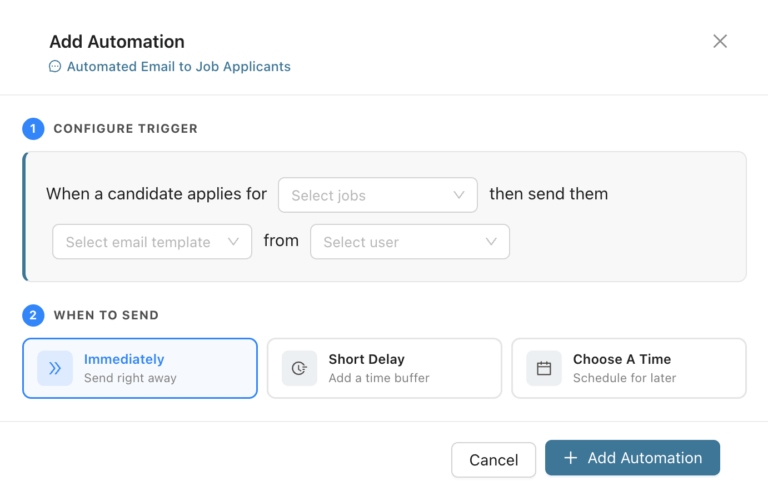
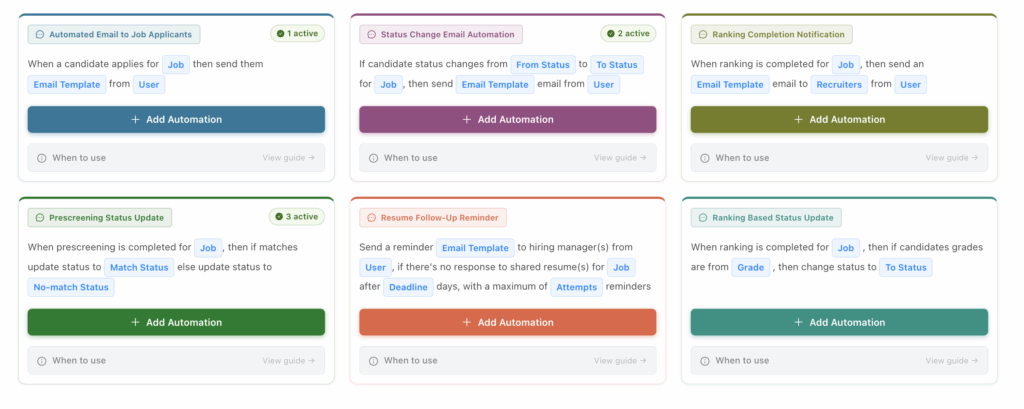
When a candidate applies, send a personalized acknowledgment with the next steps. Use job-specific templates and sender details to keep communication relevant.
Your recruiters can stop writing the same welcome email throughout the day.
Prescreening rules
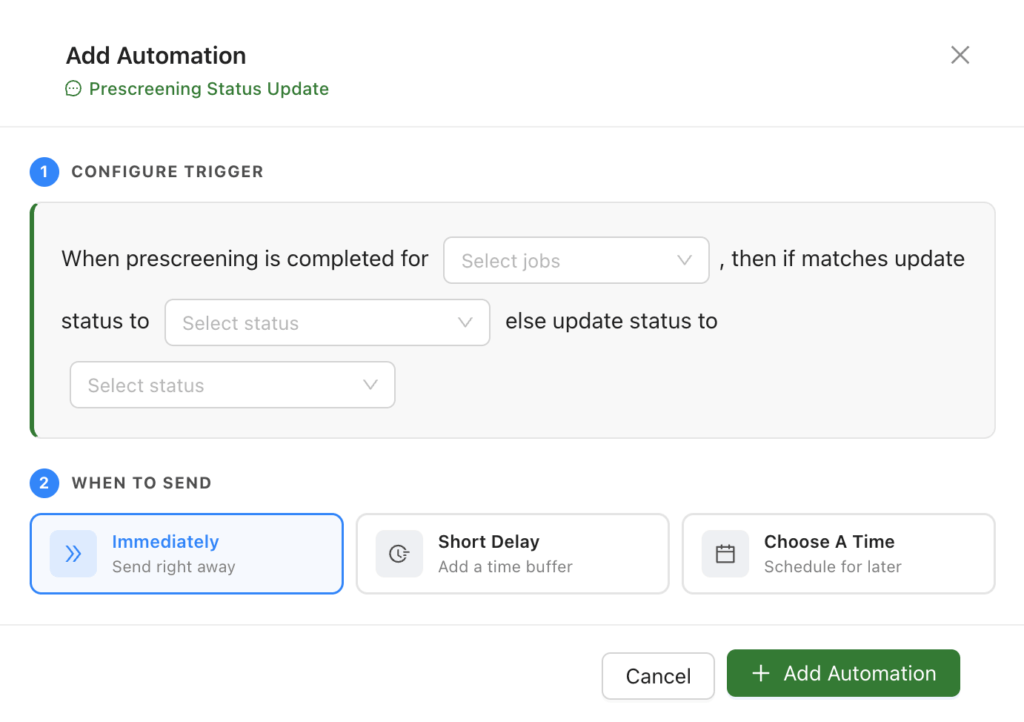
Use prescreening answers to update candidate statuses according to the requirements your team sets. Organize applications before a detailed review.
Spend less time checking basic requirements and chasing missing information.
Screening completion alerts
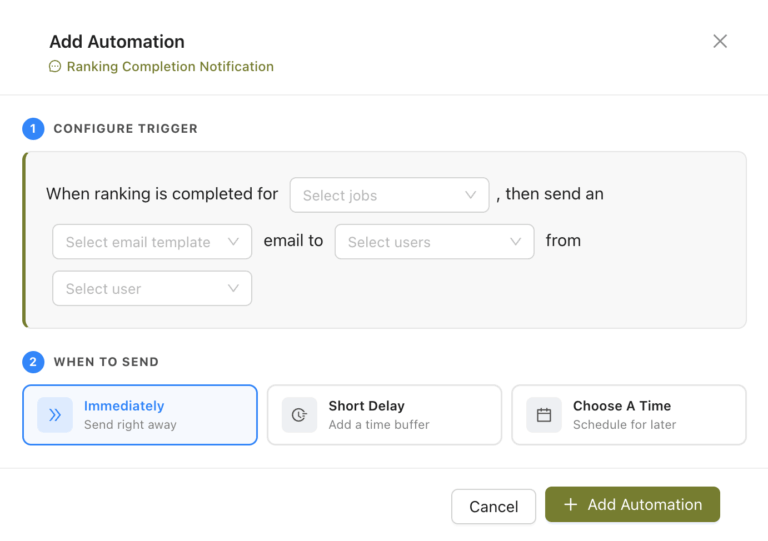
Notify recruiters when AI resume screening and ranking are complete. You can also use screening scores or grades as conditions for the next workflow action.
Reduce repeated checks for screening progress. CVViZ explains its scores with supporting evidence for recruiters to review; your team remains responsible for hiring decisions.
Status-based actions
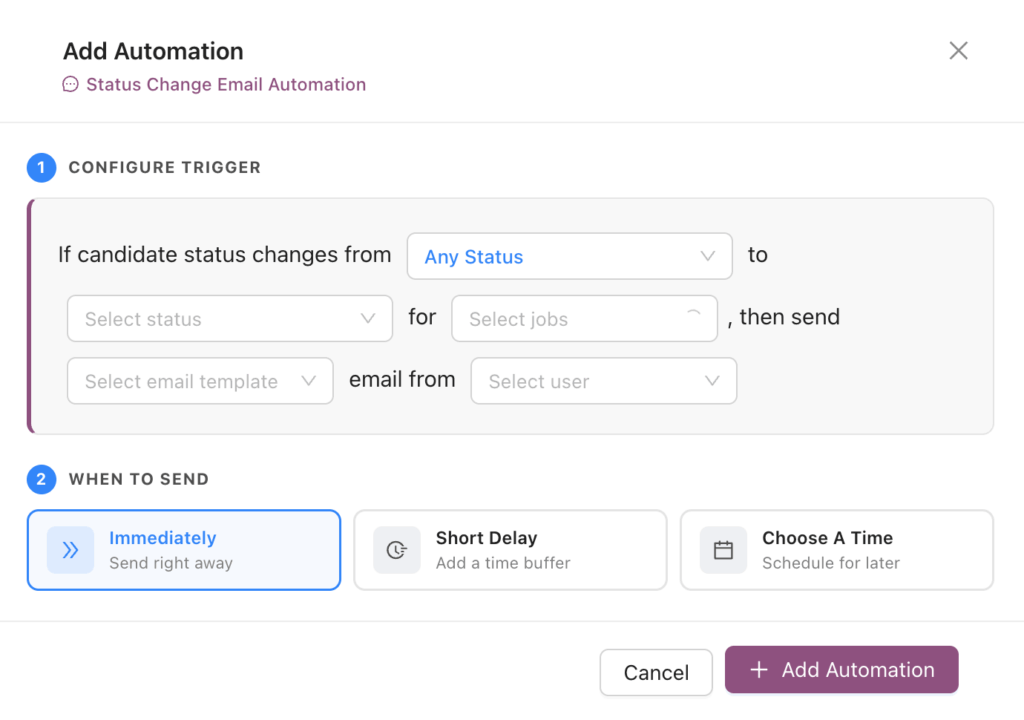
Send the relevant email when a candidate moves to a new stage. A shortlist can trigger an interview invitation; a rejection status can trigger the appropriate update. Notify the hiring team when action is needed.
Keep messages and handoffs consistent without composing each email separately.
Interview invitations
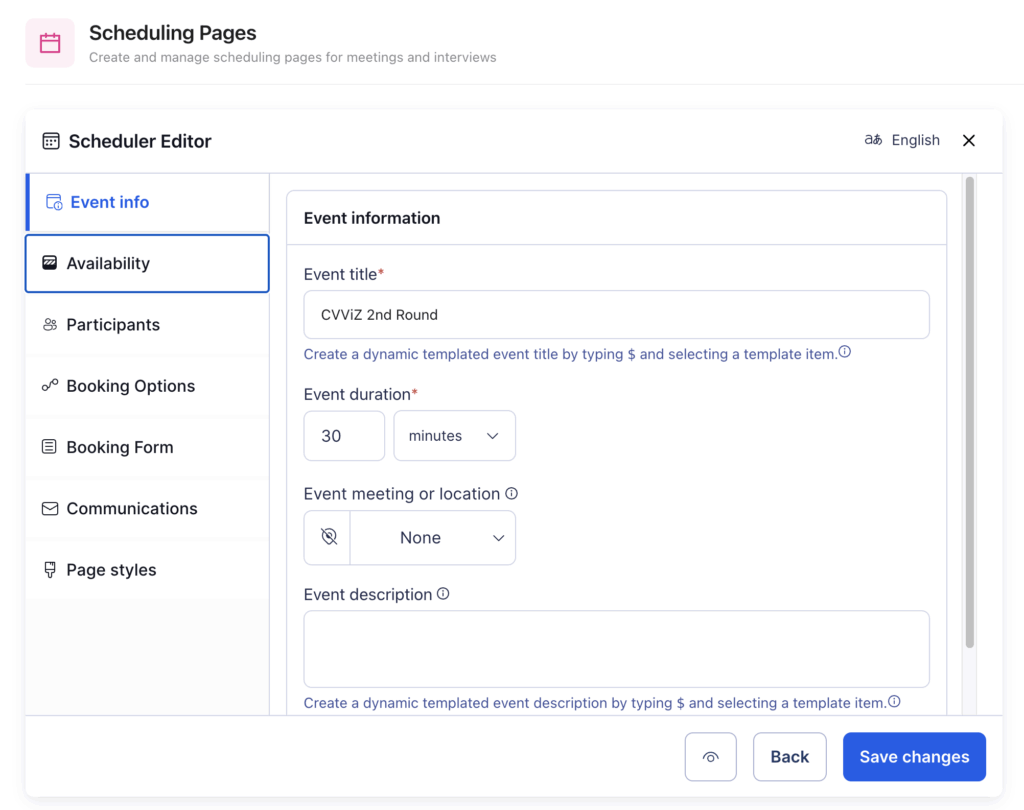
When a candidate reaches your chosen stage, automatically send an interview scheduling link. CVViZ finds common availability across the panel, lets the candidate choose a slot, and handles meeting invitations and reminders.
Reduce the emails, calendar checks and coordination needed to arrange each interview.
Hiring-manager reminders
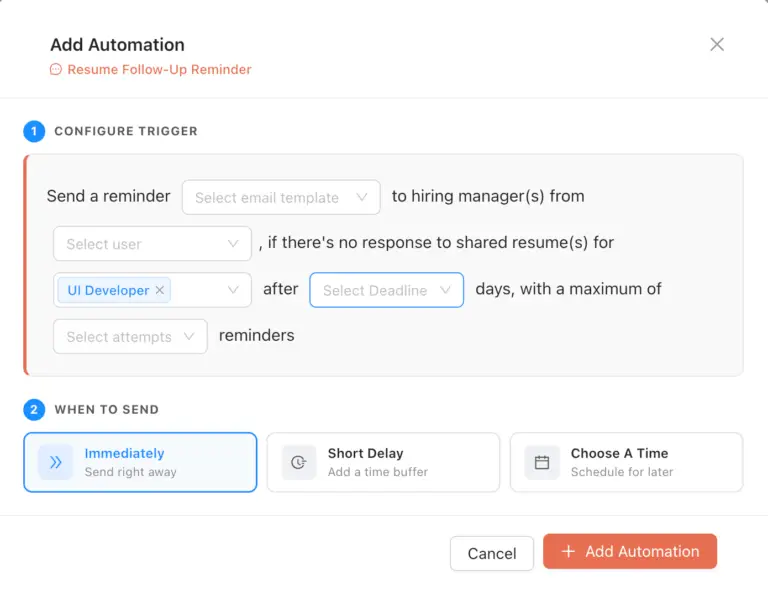
Send an automatic reminder when shared resumes remain unreviewed. Set the timing around your team’s review process so hiring managers know when their input is needed.
Recruiters spend less time checking outstanding reviews and sending individual nudges.
Everyday follow-through
Automate the small tasks that add up across active roles.
Tasks and ownership
Use stage changes to create and assign tasks, such as following up on an offer. Give the next action an owner and reduce the need to maintain a separate reminder list.
Candidate data
Send consent-request emails and configure data-deletion workflows around your retention policy. Reduce manual administration while applying the rules your team has defined.
One event. Several useful actions.
After your recruiter reviews a candidate and changes their status to Shortlisted, a configured workflow can take care of the next steps.
Send
Send the interview scheduling email.
Notify
Alert the colleague responsible for the next stage.
Assign
Add a task for the next action your team needs to take.
ATS workflow automation uses rules to carry out repeated tasks when an event occurs in your hiring process. For example, a new application can trigger an acknowledgment email, or a status change can trigger a notification.
Yes. Your team configures the triggers, conditions and actions. Start with application emails or review reminders, then connect more steps where useful.
Yes. You can connect multiple actions to a trigger, such as emailing a candidate, notifying a recruiter and creating a follow-up task after a status change.
Yes. Scores, grades and screening results can be used as workflow conditions. CVViZ provides explanations and supporting evidence for those scores so recruiters can review the recommendations. Your team defines the rules and remains responsible for hiring decisions.
No. CVViZ provides rule-based workflow setup. Choose when a workflow should run, the conditions it should use and the actions it should take.
Less admin. More time for candidates.
Try a workflow for one active role. Automate the updates, emails and reminders that take up your team’s day.
Workflow rules are part of the CVViZ applicant tracking system. Explore the complete recruitment automation platform or see the ATS.